Increase DPI of image for print with real pixels

To increase the DPI of an image for print, you need more pixels, not just a bigger number in the file. A 1200 × 1500 pixel photo is 300 DPI at 4×5 in; to print it at 8×10 in and keep 300 DPI it needs 2400 × 3000 pixels. Pick the print size and DPI here, and the studio shows how many pixels you have, how many you need, and enlarges the picture with AI to the exact size, with the DPI written into the file.

Last updated:

Enlarge by

Photo prints

Frames and posters

A sizes

DPI

300 for photo prints, 240 for canvas, 200 for big posters.

8×10 in at 300 DPI needs 2400 × 3000 px. Add a photo to see what yours needs.

Sign up free, get 13 credits

A small print costs 13 credits. Failed jobs are refunded. Only need to change the DPI? Use the free 300 DPI converter

Real prints

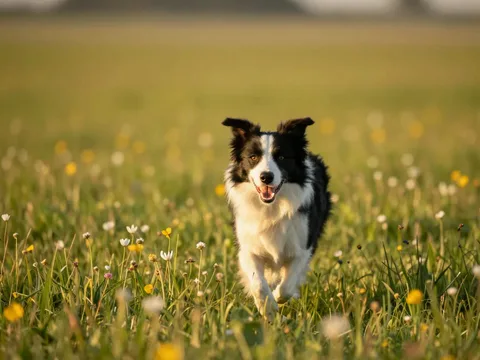
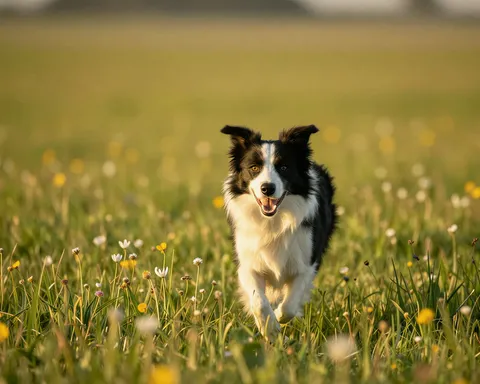
Border collie running through a wildflower meadow in golden evening light
8×10 in200 DPISharp at this size

1096 × 822 px → 2000 × 1600 px

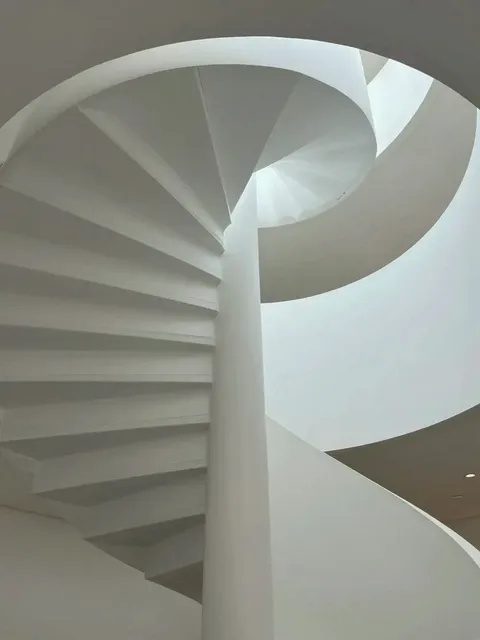
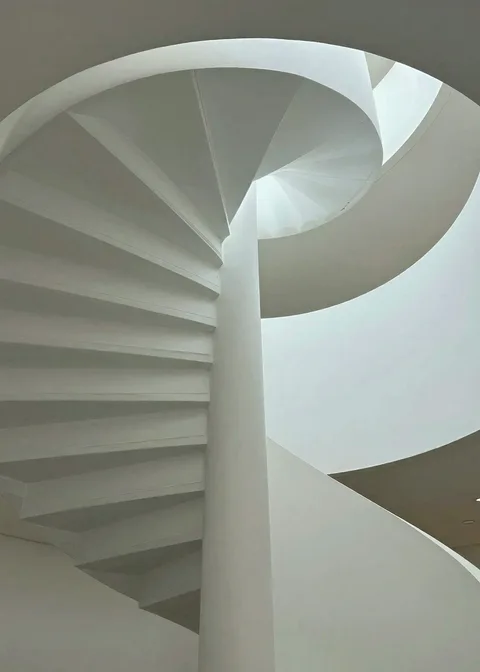
White spiral staircase seen from below, smooth curves and soft shadows
A5240 DPISharp at this size

834 × 1112 px → 1458 × 2044 px

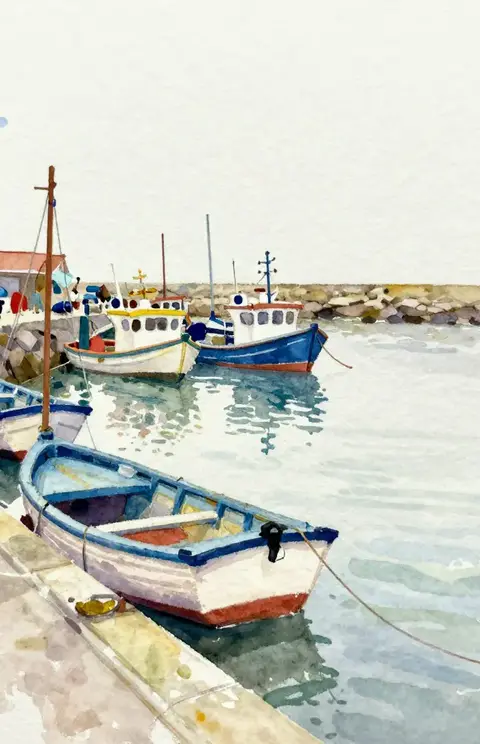
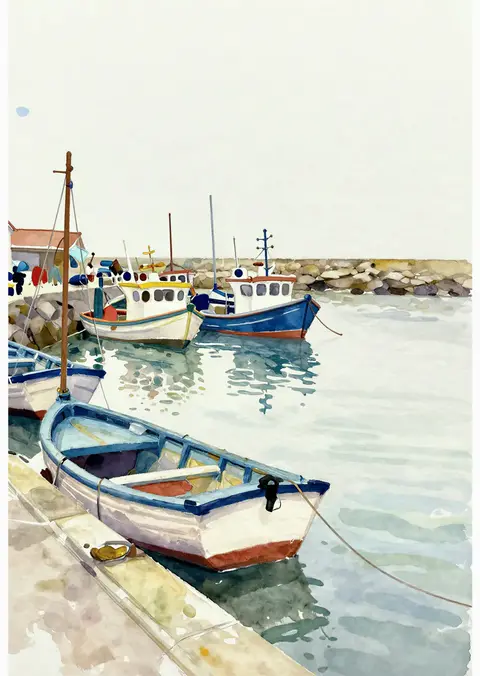
Watercolour painting of a small fishing harbour with colourful boats, printed whole with a white margin
A6300 DPISharp at this size

700 × 1086 px → 1240 × 1748 px

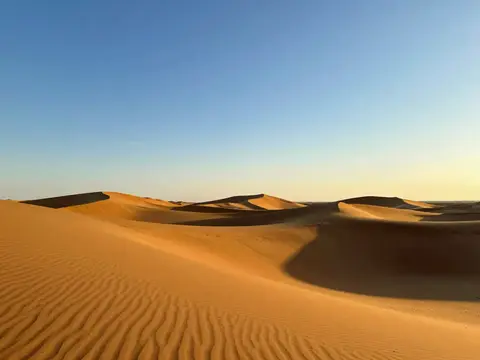
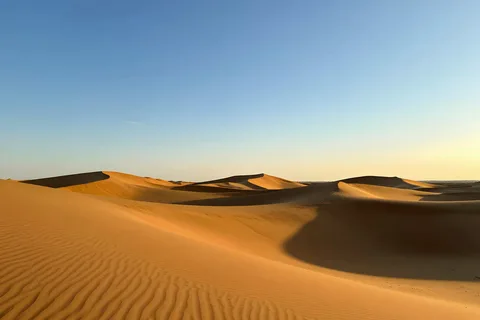
Golden sand dunes at sunset with long shadows under a clear sky, as a large poster
24×36 in100 DPIGood from a step back

1108 × 832 px → 3600 × 2400 px

Good for

  • A print lab or shop that asked for "300 DPI"
  • Photos that look fine on screen but print small or soft
  • Artwork for printables that must meet a stated resolution
  • Checking whether a picture can reach a size before you pay for a print

How to use it

  1. 1

    Add the image

    Drop a JPG, PNG or WebP file up to 20 MB; the studio reads its real pixel size.

  2. 2

    Set the print size and DPI

    Pick the paper (4×6 in to 24×36 in, A6 to A1 or custom) and 300, 240 or 200 DPI, or any value from 72 to 600. The plan shows the pixels the print needs and a green, amber or red quality badge.

  3. 3

    Enlarge or download free

    If the picture is short of pixels, the AI enlarges it to the exact size the print needs and the print file is cut to the paper. If it already has enough, the print file at your DPI is free.

DPI is a ratio, pixels are the picture

DPI (dots per inch, often used to mean pixels per inch) only says how many pixels to place in each inch of paper. The same 2400 × 3000 pixel file is 8×10 in at 300 DPI, 10×12.5 in at 240 DPI or 12×15 in at 200 DPI. Changing the number in the file changes which of those sizes software assumes; it does not change the pixels, so it does not make a print sharper. That is why "increase DPI" in a print brief really means "have enough pixels for this size at this DPI".

How the studio gets you there

It multiplies your print size by the DPI to get the pixels needed, compares that with your image and works out the stretch. Up to 2× is green and stays sharp up close; up to 4× is amber, fine at normal viewing distance; beyond that is red. The AI step enlarges the whole image 2× or 4×, then the print file is resized to the exact pixels and saved with the DPI in its header, so a lab or print program opens it at your size.

When you only need the number changed

Some printers and upload forms reject a file that says 72 DPI even when it has plenty of pixels. In that case no enlargement is needed: the free 300 DPI converter rewrites the DPI in the file in your browser, without changing a single pixel, and the studio makes the print file free when your picture already has the pixels.

Pixels per print size

Pixels needed per paper size at 300, 240 and 200 DPI
Paper300 DPI240 DPI200 DPI
Photo prints
4×6 in1200 × 1800960 × 1440800 × 1200
5×7 in1500 × 21001200 × 16801000 × 1400
8×10 in2400 × 30001920 × 24001600 × 2000
8.5×11 in2550 × 33002040 × 26401700 × 2200
Frames and posters
11×14 in3300 × 42002640 × 33602200 × 2800
12×16 in3600 × 48002880 × 38402400 × 3200
16×20 in4800 × 60003840 × 48003200 × 4000
18×24 in5400 × 72004320 × 57603600 × 4800
20×30 in6000 × 90004800 × 72004000 × 6000
24×36 in7200 × 108005760 × 86404800 × 7200
A sizes
A61240 × 1748992 × 1398827 × 1165
A51748 × 24801398 × 19841165 × 1654
A42480 × 35081984 × 28061654 × 2339
A33508 × 49612806 × 39692339 × 3307
A24961 × 70163969 × 56133307 × 4677
A17016 × 99335613 × 79464677 × 6622

What it costs

A small print (up to 4.2 MP, such as 4×6 in at 300 DPI) costs 13 credits. A medium print (up to 16.8 MP, such as 8×10 or 11×14 in at 300 DPI) costs 24, and a poster (up to 67 MP) 71. When your photo already has the pixels, the print file is free. Credit packs start at $2.55. See plans and packs

Questions

Can I increase DPI without losing quality?

Changing only the DPI value loses nothing, because the pixels stay the same; it just changes the size the file prints at. Adding pixels with the AI enlargement keeps edges crisp up to about 2×, and looks good from a normal distance up to about 4×.

What DPI do I need for printing?

300 DPI for photos and anything held in the hand, 240 DPI for canvas, and 200 DPI for posters seen from a step or two away. Your print lab’s own spec wins if it differs.

Why does my 72 DPI image look fine on screen?

Screens ignore the DPI value and show pixels one to one. The number only matters when software works out a print size.

How many pixels does 8×10 at 300 DPI need?

2400 × 3000 pixels. 4×6 in needs 1200 × 1800, 11×14 in needs 3300 × 4200 and 16×20 in needs 4800 × 6000, all at 300 DPI.

Does the file really carry the new DPI?

Yes. JPG files get the value in their JFIF and EXIF headers, PNG files in their pHYs chunk, and the PDF page is set to the print size in inches.