
Image enlarger for print
Image enlarger for print: pick the size, get the file
Choose the paper size and DPI first. We show the pixels it needs and how sharp it will look, enlarge the photo with AI, and hand you a print-ready JPG, PNG or PDF.
- 13 free credits after email verification
Enlarge by
Photo prints
Frames and posters
A sizes
DPI
300 for photo prints, 240 for canvas, 200 for big posters.
8×10 in at 300 DPI needs 2400 × 3000 px. Add a photo to see what yours needs.
A small print costs 13 credits. Failed jobs are refunded. Only need to change the DPI? Use the free 300 DPI converter
Examples
Real files, from small originals to print size
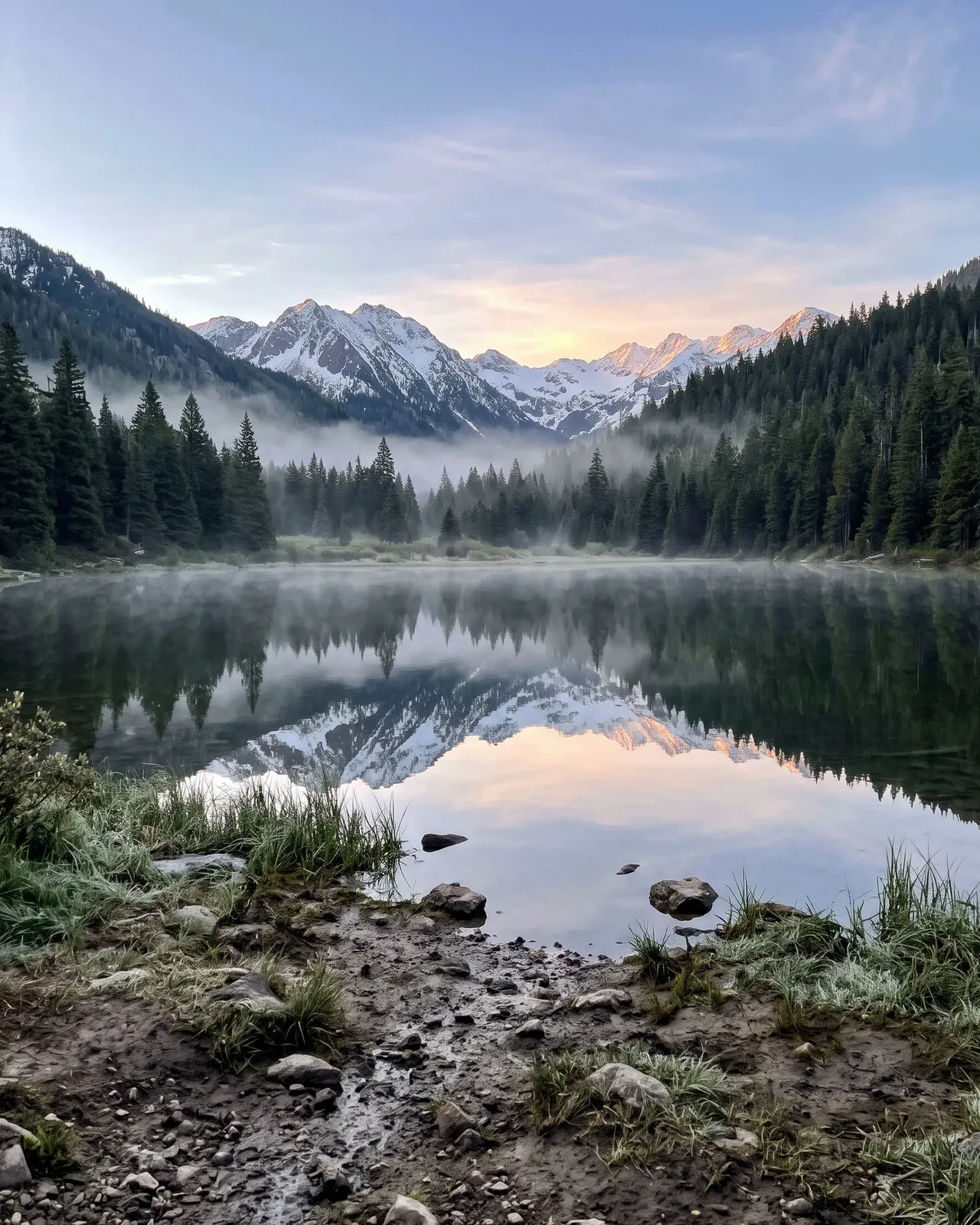
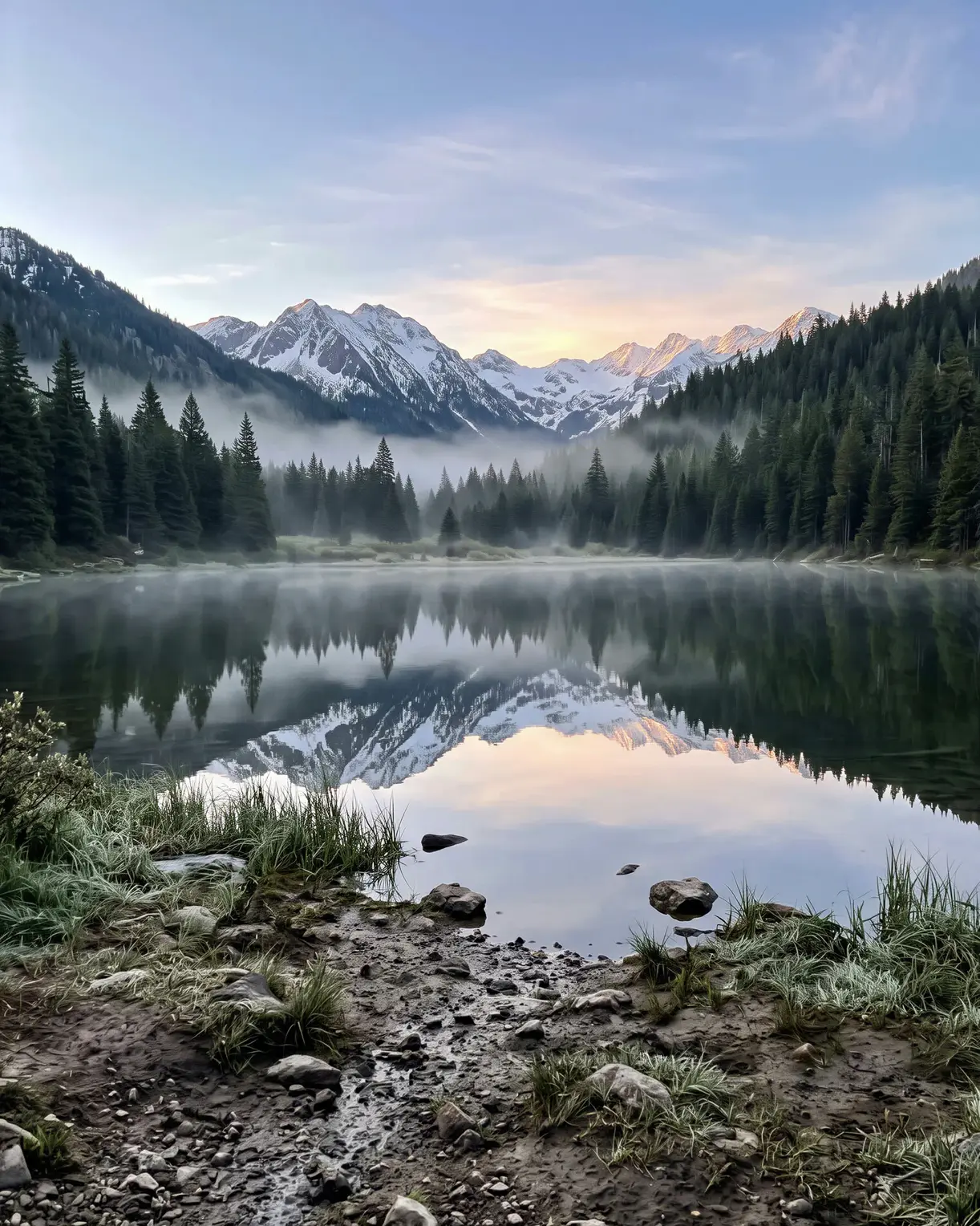
Each card is one real run, unedited: the original as uploaded, beside the print file it made, with the size, DPI and pixel counts.
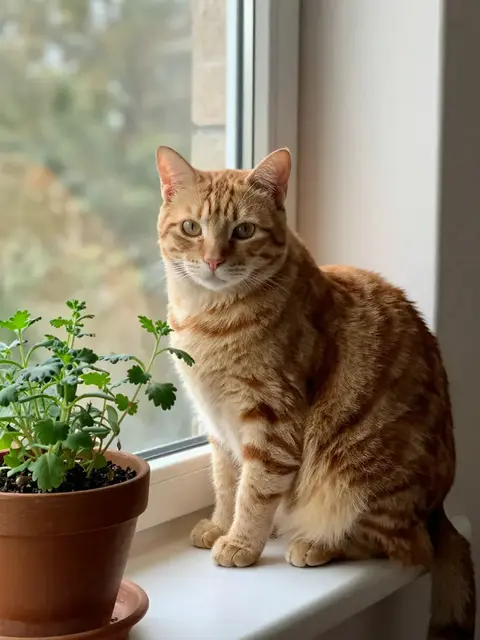
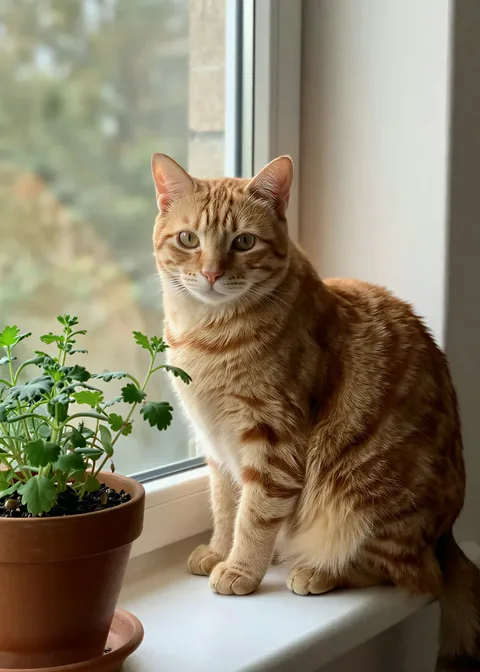
826 × 1102 px → 1500 × 2100 px
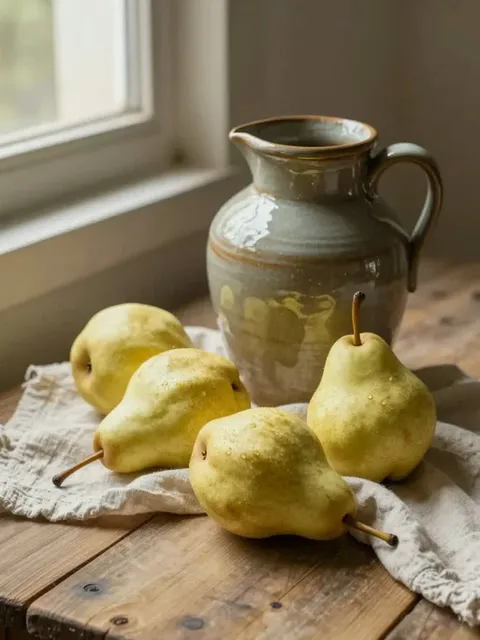
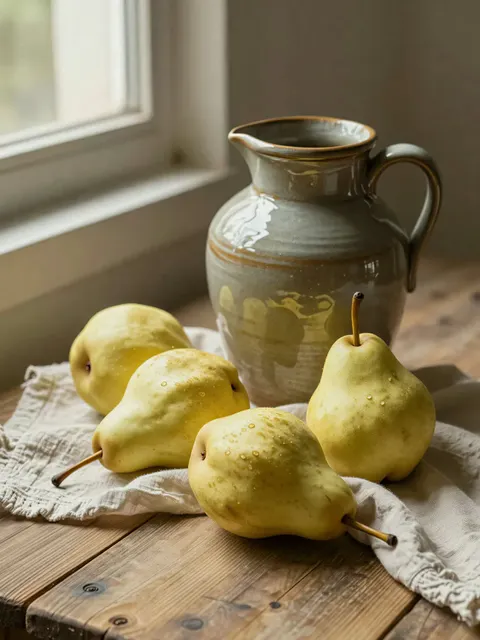
578 × 770 px → 1200 × 1600 px
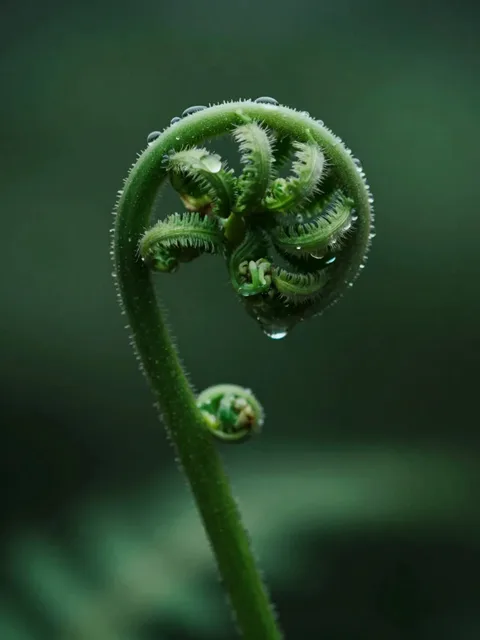
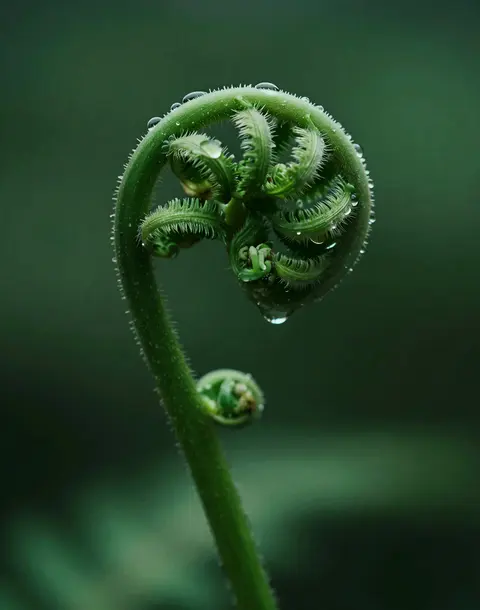
832 × 1110 px → 1650 × 2100 px
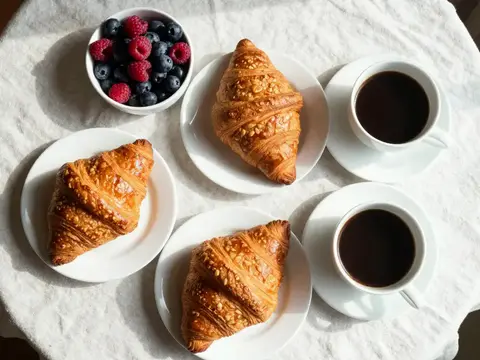
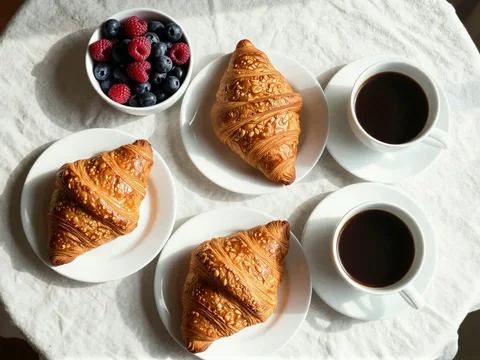
972 × 728 px → 2000 × 1500 px
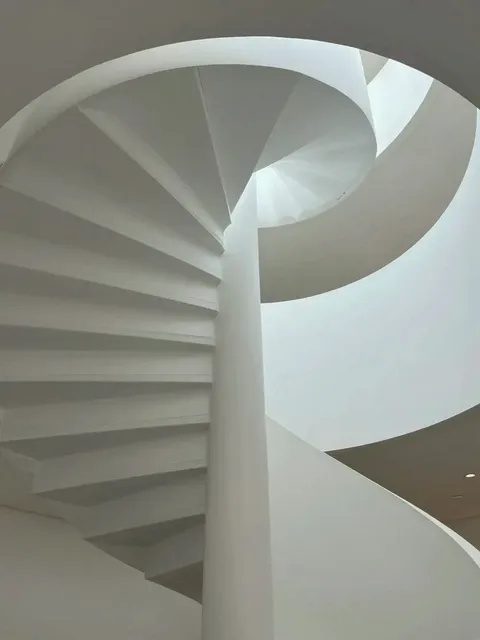
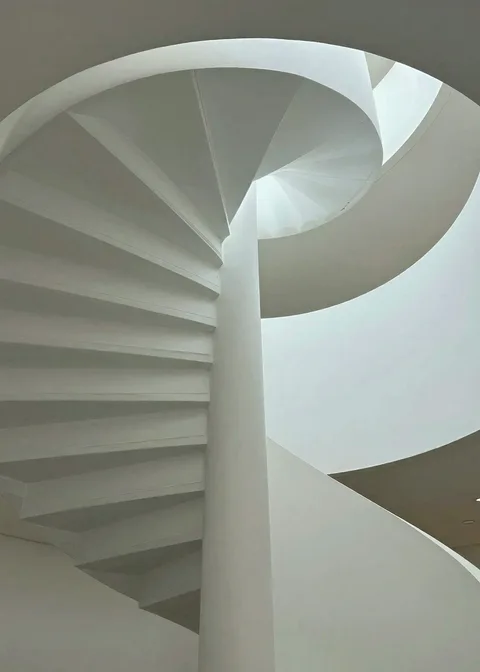
834 × 1112 px → 1458 × 2044 px
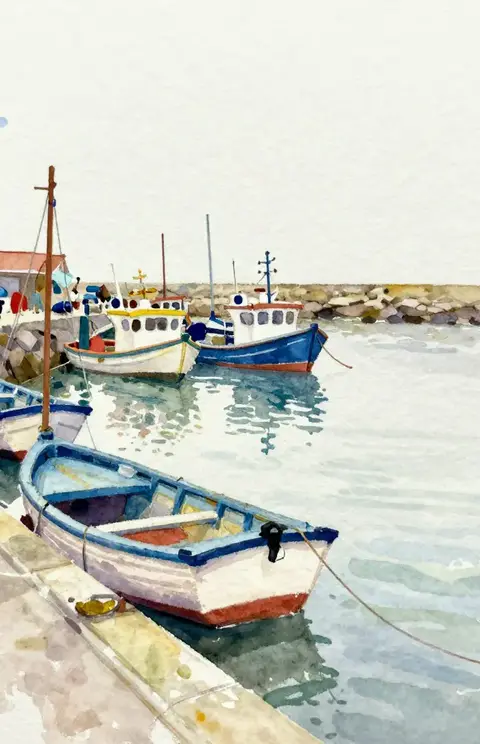
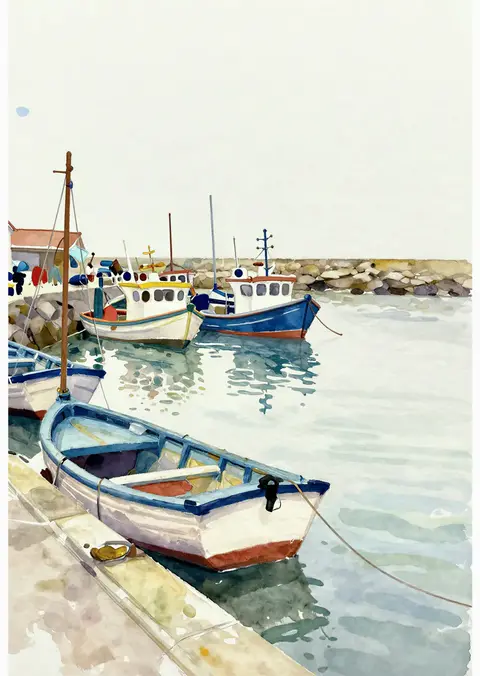
700 × 1086 px → 1240 × 1748 px
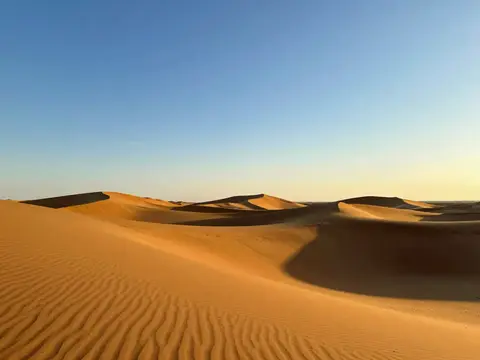
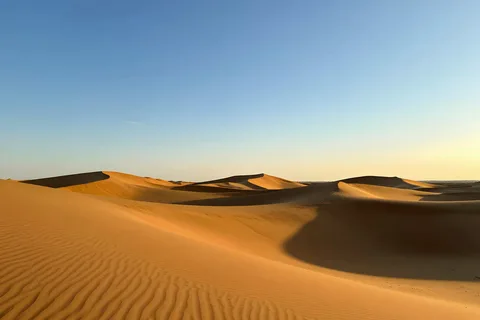
1108 × 832 px → 3600 × 2400 px
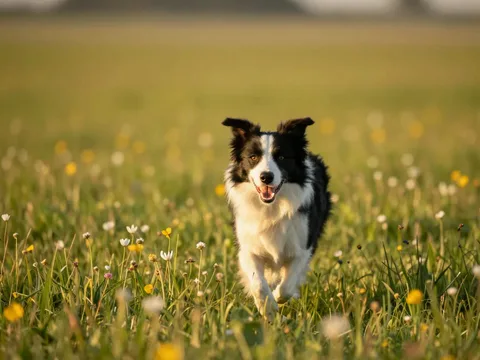
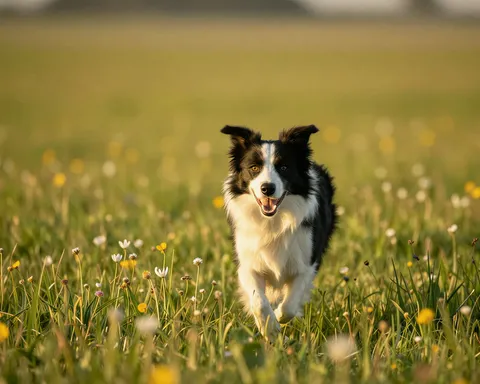
1096 × 822 px → 2000 × 1600 px
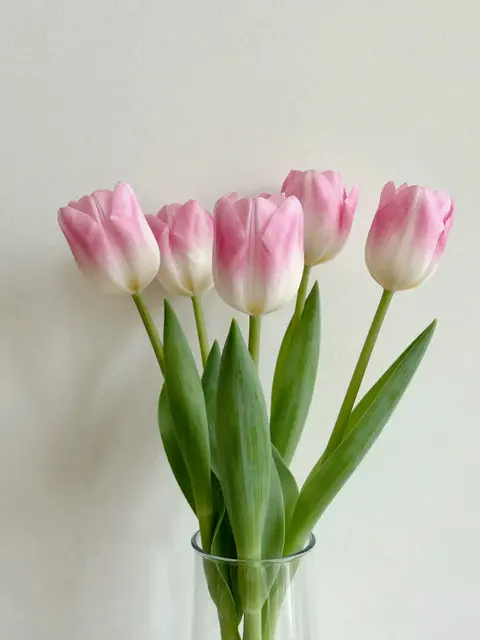
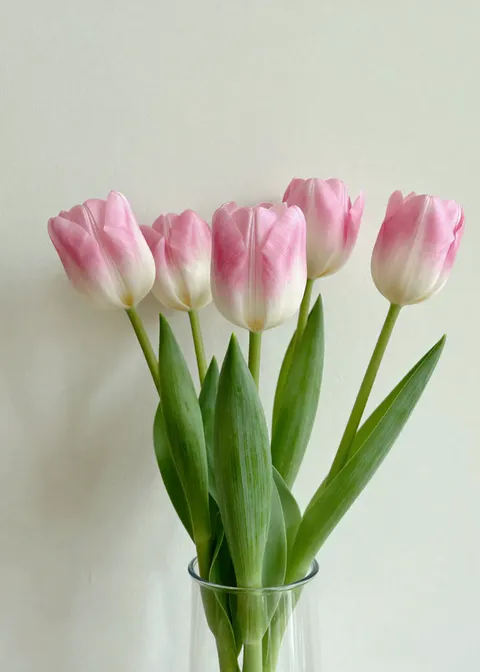
814 × 1086 px → 1278 × 1792 px
How it works
How to enlarge an image for print
- 1
Add the photo
Drop a JPG, PNG or WebP up to 20 MB. We read its real pixel size.
- 2
Pick the print
Choose a paper size and DPI, or a plain 2× or 4×. The quality badge and the price update as you go.
- 3
Download the print file
The AI enlarges the photo, then you download a JPG, PNG or PDF at the exact size with the DPI set.
Print sizes
How many pixels each print needs
Pixels = inches × DPI. The table is the same one the studio uses, so the price you see is worked out from these numbers.
- 300 DPIPhoto prints and anything seen at arm's length.
- 240 DPICanvas and fine-art paper, where texture hides the last bit of detail.
- 200 DPILarge posters seen from across a room.
| Paper | 300 DPI | 240 DPI | 200 DPI |
|---|---|---|---|
| Photo prints | |||
| 4×6 in | 1200 × 1800 | 960 × 1440 | 800 × 1200 |
| 5×7 in | 1500 × 2100 | 1200 × 1680 | 1000 × 1400 |
| 8×10 in | 2400 × 3000 | 1920 × 2400 | 1600 × 2000 |
| 8.5×11 in | 2550 × 3300 | 2040 × 2640 | 1700 × 2200 |
| Frames and posters | |||
| 11×14 in | 3300 × 4200 | 2640 × 3360 | 2200 × 2800 |
| 12×16 in | 3600 × 4800 | 2880 × 3840 | 2400 × 3200 |
| 16×20 in | 4800 × 6000 | 3840 × 4800 | 3200 × 4000 |
| 18×24 in | 5400 × 7200 | 4320 × 5760 | 3600 × 4800 |
| 20×30 in | 6000 × 9000 | 4800 × 7200 | 4000 × 6000 |
| 24×36 in | 7200 × 10800 | 5760 × 8640 | 4800 × 7200 |
| A sizes | |||
| A6 | 1240 × 1748 | 992 × 1398 | 827 × 1165 |
| A5 | 1748 × 2480 | 1398 × 1984 | 1165 × 1654 |
| A4 | 2480 × 3508 | 1984 × 2806 | 1654 × 2339 |
| A3 | 3508 × 4961 | 2806 × 3969 | 2339 × 3307 |
| A2 | 4961 × 7016 | 3969 × 5613 | 3307 × 4677 |
| A1 | 7016 × 9933 | 5613 × 7946 | 4677 × 6622 |
Quality check
Know how it will print before you pay
The badge compares your photo's pixels with what the print needs. It is plain arithmetic, shown before any credits are spent.
- Sharp at this size
- The photo needs at most a 2× enlargement. Prints look sharp even up close.
- Good from a step back
- Between 2× and 4×. Fine on a wall or a poster viewed from a step back; small text and fine texture soften.
- Soft up close
- More than 4×. The AI fills in a lot, so faces and fine detail can look painted. Pick a smaller size or a lower DPI.
What you get
Files a print lab accepts the first time
Every download is made at the exact pixels for your print, so the lab does no resizing of its own.
JPG at the exact size
The size most labs and online printers ask for, with the DPI set in the file header.
PNG for artwork
Lossless, for illustrations, text and anything you will edit again before printing.
PDF with bleed
Trim and bleed boxes set, an optional 0.125 in bleed on each side and crop marks in the margin.
The plain enlargement
Press 2× or 4× for the whole picture enlarged, uncropped, if you want to lay it out yourself.
A small print costs 13 credits, a medium print 24 and a poster 71. Print files are free to download again. Just need the DPI changed? Free converter
Who it is for
For prints that have to come out right
A phone photo on a 16×20 canvas
See whether the photo holds up at 240 DPI before you order, and send the lab a file at the size it asked for.
One artwork, every A size
Printable sellers make A4, A3 and A2 files from one original, each at 300 DPI with the right pixels.
A diagram for the classroom wall
Teachers enlarge a chart or map to poster size and print it at 200 DPI, readable from the back row.
AI enlargement fills in detail the camera never caught; it does not recover it. Check the preview before you print, and only enlarge pictures you have the right to print.
Pricing
Pricing: pay monthly for steady printing, or once for a project
Confirm your email address and 13 free credits land in the account, one time only. A small print enlargement costs 13 credits. For regular printing, a plan has the cheaper credits and refills each month. For one project, a pack is a single payment, and its credits wait until your next print.
Monthly and yearly plans
Level (more credits per payment)
Test Print
A few prints a month: family photos, a frame or two.
$4.39/ month
1,059 credits a month
≈ 44 medium prints
- Fresh credits every month, each batch usable for 31 days
Gallery Print
Steady print work: shop listings, canvases and wall art.
$10.69/ month
2,655 credits a month
≈ 110 medium prints
- Fresh credits every month, each batch usable for 31 days
Large Format
Posters and big batches, every month.
$20.30/ month
5,290 credits a month
≈ 220 medium prints
- Fresh credits every month, each batch usable for 31 days
Team plans
Billed per seat, three seats or more. The whole studio prints from one credit pool; the owner adds people and sees the credits each person spent.
Print Desk
Small studios and shops sharing one credit pool.
$8.69per seat / month
$26.07 in total · 6,495 credits
6,495 credits a month, shared by 3 seats
≈ 270 medium prints
- One credit pool, spend per person, one invoice
Photo Lab Pro
Print labs and bigger teams, with a credit limit per member.
$18.39per seat / month
$55.17 in total · 14,490 credits
14,490 credits a month, shared by 3 seats
≈ 603 medium prints
- One credit pool, spend per person, one invoice
Credit packs
Paid once, never renews. Pack credits never expire, though each one costs more than a plan credit.
Wallet Size
A handful of prints, once.
$2.55one-time
495 credits · 0.52¢ per credit
≈ 20 medium prints
- Credits never expire
- JPG, PNG and PDF print files
Frame Set
A gallery wall or a shop's size set.
$7.19one-time
1,445 credits · 0.50¢ per credit
≈ 60 medium prints
- Credits never expire
- JPG, PNG and PDF print files
Poster Run
Posters and large canvases.
$14.39one-time
3,070 credits · 0.47¢ per credit
≈ 127 medium prints
- Credits never expire
- JPG, PNG and PDF print files
Credits per print
The price follows the size of the AI enlargement, not the paper name, and the studio shows it before you start. Failed jobs are refunded.
| Job | Credits |
|---|---|
| Small print (up to 4.2 MP, e.g. 4×6 in at 300 DPI) | 13 |
| Medium print (up to 16.8 MP, e.g. 8×10 in at 300 DPI) | 24 |
| Poster (up to 67 MP, e.g. 24×36 in at 200 DPI) | 71 |
| Print file when no AI step is needed, or the DPI converter | 0 |
- Every paper size, DPI, 2× and 4×, bleed and crop marks
- No watermark; private files, deleted after 30 days
Bought the wrong thing? If it was 7 days ago or less and no more than 10% of its credits are used (a yearly plan counts the full year's credits), you get the unused part back. Renewal payments are not refunded.
FAQ
Questions about enlarging images for print
Another question? Write to us at support@imgenlarger.net
Is Img Enlarger free?
You can try it for free. Confirm your email address and 13 free credits land in the account, one time only. An AI enlargement costs 13 credits for a small print (up to about 4×6 in at 300 DPI), 24 for a medium one (up to about 11×14 in) and 71 for a poster. The print file, the quality check and the 300 DPI converter are free, and so is the print file when your photo already has enough pixels.
Does changing the DPI make my image bigger?
No. DPI is a number in the file that tells a printer how many pixels to put in each inch. Changing it changes the print size, not the picture: the pixel count stays the same. To print larger at the same sharpness you need more pixels, which is what the AI enlargement makes.
What DPI should I pick?
300 DPI for photos and anything seen up close, 240 DPI for canvas, and 200 DPI for posters seen from a step or two away. Any value from 72 to 600 works; your print lab's spec sheet wins if it asks for something else.
What do the green, amber and red badges mean?
They show how far the picture is stretched to reach your print size. Green: up to 2×, sharp up close. Amber: up to 4×, good at normal viewing distance. Red: more than that, so it will look soft up close; pick a smaller size or a lower DPI. Beyond 8× the studio refuses the print.
Do you keep my images?
Only you can see your photos and print files; nothing goes to a public gallery, and both are deleted 30 days after the job. To delete them sooner, remove the job from your history.
Which files do I get?
A print file in JPG, PNG or PDF at the exact pixels for your size, with the DPI written in. The PDF carries the trim and bleed boxes and, if you want them, crop marks. For the whole picture, uncropped, choose a plain 2× or 4×.
What is bleed, and do I need it?
Bleed is a 0.125 in strip of picture beyond the trim line on every side, so a print cut slightly off still has no white edge. Turn it on when your printer or lab asks for bleed; leave it off for ordinary photo prints.
Does the AI add detail that was not in my photo?
It draws new pixels that fit the edges and textures it sees, so lines stay crisp instead of blurry. It cannot recover detail that was never captured, such as a face too small to read. That is why the quality badge turns red when a print asks too much of a small photo.
Size your next print
Add a photo, pick the paper and see the price before you start.
Open the image enlargerLast updated: