
300 DPI converter, free and instant

This 300 DPI converter sets a JPG or PNG to 300 DPI in your browser, for free, without an account and without uploading the file anywhere. Choose "Change DPI only" and every pixel stays exactly as it was while the file is marked as 300 DPI; choose "Resize for print" and the picture is redrawn at the pixels a paper size needs at that DPI. Either way, nothing new is added to the picture, and the page tells you when you need the AI enlarger instead.

Last updated:

New DPI

What to change

Changing the DPI adds no pixels: it only tells software how large to print them. To get more pixels, use the AI image enlarger.

Free, no sign-up. Works offline once the page has loaded.

Real prints

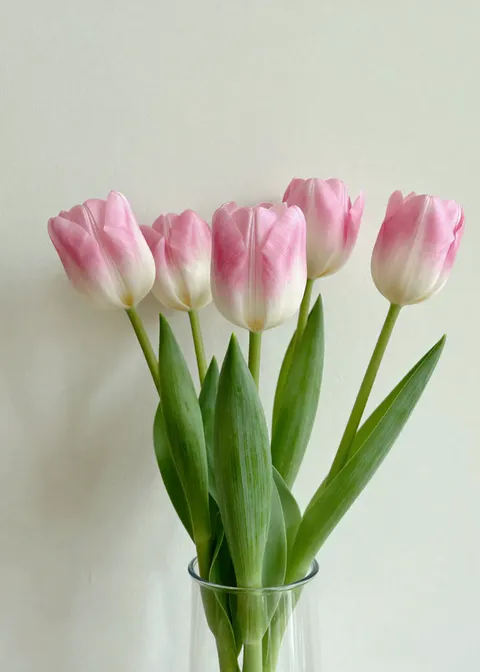
Pink and white tulips in a glass vase against a pale plaster wall
A4150 DPISharp at this size

814 × 1086 px → 1278 × 1792 px

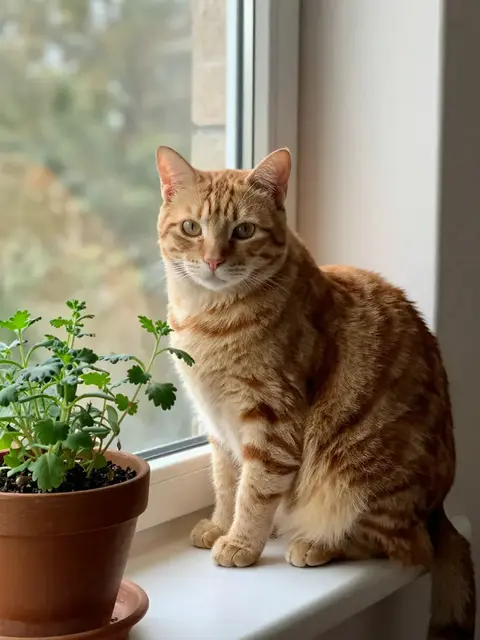
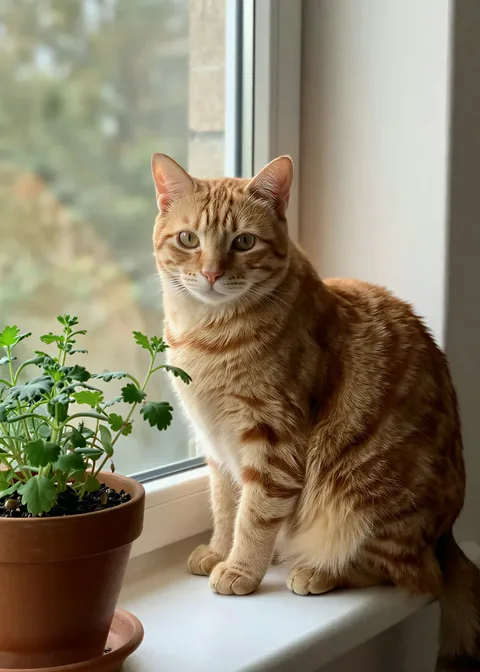
Ginger tabby cat sitting on a sunny windowsill beside a pot of herbs
5×7 in300 DPISharp at this size

826 × 1102 px → 1500 × 2100 px

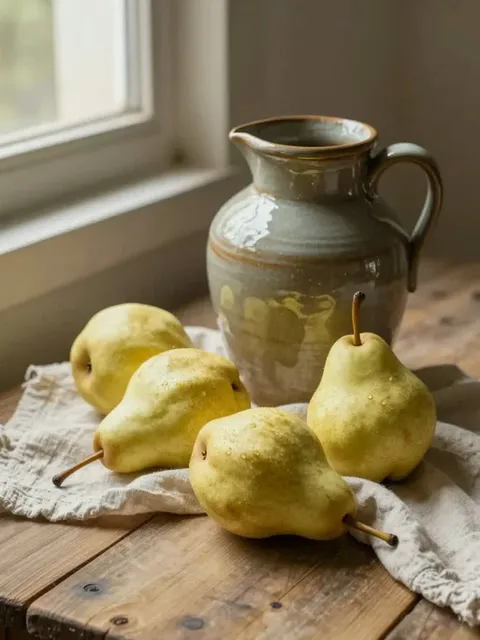
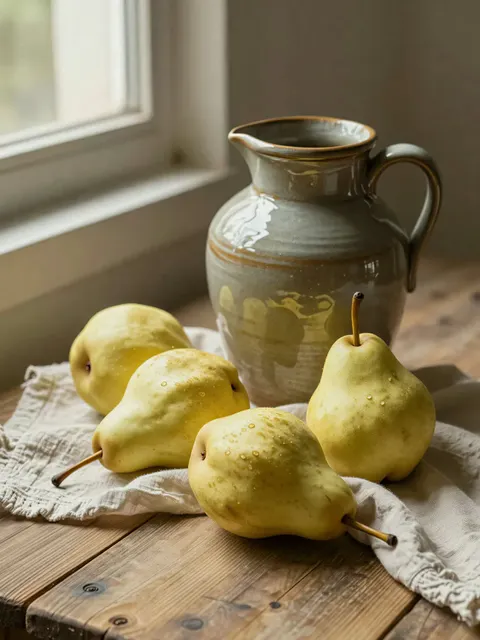
Still life of yellow pears, a glazed ceramic jug and a linen cloth on a wooden table
2×300 DPISharp at this size

578 × 770 px → 1200 × 1600 px

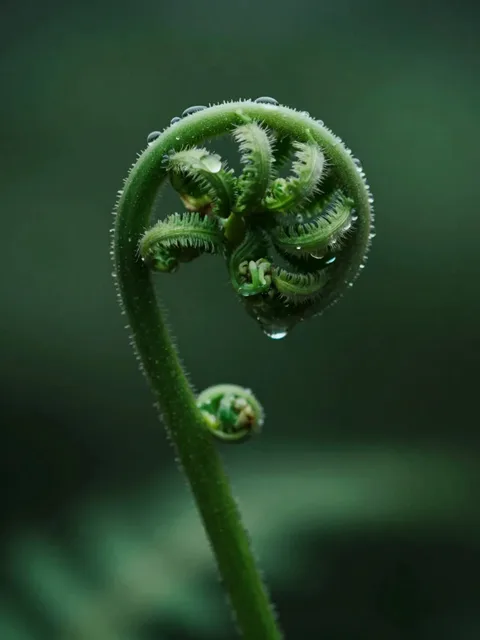
Close-up of a young fern frond unfurling, with dew drops on a deep green background
11×14 in150 DPISharp at this size

832 × 1110 px → 1650 × 2100 px

Good for

  • An upload form or print shop that rejects files marked 72 DPI
  • Setting 240 or 200 DPI for canvas and poster orders
  • Resizing a large photo down to an exact print size
  • Checking the DPI a file already carries

How to use it

  1. 1

    Open your file

    Pick or drop a JPG, PNG or WebP. It is read in your browser and never sent to a server. The converter shows its pixels, its current DPI and the size it prints at.

  2. 2

    Choose the DPI and the mode

    Pick 300, 240 or 200 DPI, or type any value from 72 to 600. Keep "Change DPI only", or choose "Resize for print" and a paper size with fill or fit.

  3. 3

    Save the new file

    Press convert and download the file. JPG stays JPG and PNG stays PNG; WebP, which has no DPI field, is saved as JPG.

What "Change DPI only" changes

A JPG stores its DPI in a small header (JFIF, and often EXIF too); a PNG stores it in a chunk called pHYs. The converter rewrites those fields and leaves the image data untouched, byte for byte. A 3000 × 2400 pixel photo that printed at 41.7 × 33.3 in at 72 DPI now prints at 10 × 8 in at 300 DPI. It is the same picture, told to print at a different size.

Changing DPI adds no pixels

Sharpness on paper comes from how many pixels land in each inch. If your file is too small for the size you want, marking it 300 DPI makes it print smaller, not sharper, and resizing it up in the browser only blurs the existing pixels across a bigger canvas. When the converter sees you resizing up, it says so. For real extra pixels, use the AI enlarger, which draws new detail along edges and textures before the print file is made.

Resize for print, in the browser

The resize mode redraws the picture at the exact pixels of a paper size at your DPI. It crops to fill the paper or fits the picture whole with a white margin, then writes the DPI in. It runs on your device, so it is limited to about 16.7 megapixels, enough for 11×14 in at 300 DPI or 16×20 in at 200 DPI. For a larger print that needs more pixels, use the enlarger studio.

Pixels per print size

Pixels needed per paper size at 300, 240 and 200 DPI
Paper300 DPI240 DPI200 DPI
Photo prints
4×6 in1200 × 1800960 × 1440800 × 1200
5×7 in1500 × 21001200 × 16801000 × 1400
8×10 in2400 × 30001920 × 24001600 × 2000
8.5×11 in2550 × 33002040 × 26401700 × 2200
Frames and posters
11×14 in3300 × 42002640 × 33602200 × 2800
12×16 in3600 × 48002880 × 38402400 × 3200
16×20 in4800 × 60003840 × 48003200 × 4000
18×24 in5400 × 72004320 × 57603600 × 4800
20×30 in6000 × 90004800 × 72004000 × 6000
24×36 in7200 × 108005760 × 86404800 × 7200
A sizes
A61240 × 1748992 × 1398827 × 1165
A51748 × 24801398 × 19841165 × 1654
A42480 × 35081984 × 28061654 × 2339
A33508 × 49612806 × 39692339 × 3307
A24961 × 70163969 × 56133307 × 4677
A17016 × 99335613 × 79464677 × 6622

What it costs

A small print (up to 4.2 MP, such as 4×6 in at 300 DPI) costs 13 credits. A medium print (up to 16.8 MP, such as 8×10 or 11×14 in at 300 DPI) costs 24, and a poster (up to 67 MP) 71. When your photo already has the pixels, the print file is free. Credit packs start at $2.55. See plans and packs

Questions

Is the converter really free?

Yes. It uses no credits, needs no account and adds no watermark, because all the work happens in your browser.

Is my image uploaded?

No. The file is read and written on your device; it never leaves your browser.

Does converting to 300 DPI improve quality?

No. It changes the size the file prints at, not the pixels. To print larger and keep the same sharpness, the picture needs more pixels, which the AI enlarger adds.

Why is my WebP saved as JPG?

WebP files have no standard place for a DPI value, so the converter saves the same pixels as a high-quality JPG with the DPI written in.